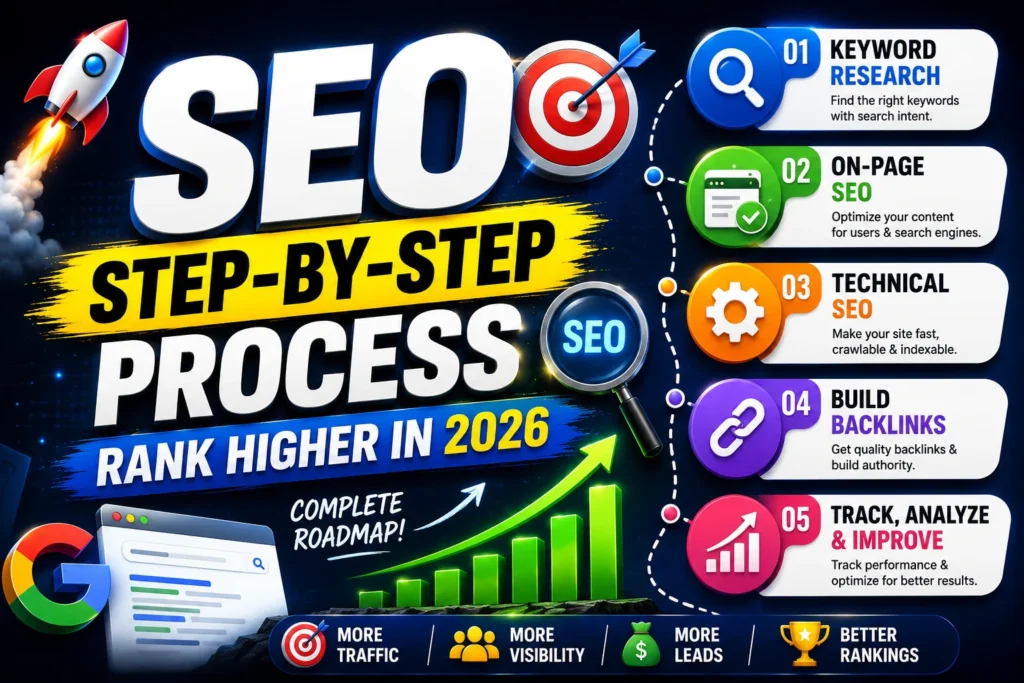
Learn Step by Step SEO for beginners from keyword research, on-page SEO, technical SEO, backlinks, tools, and a weekly workflow to rank in 2026.
If you’re learning SEO, you’ve probably noticed something frustrating: most of the articles on the internet either feel too technical, too vague, or full of “tips” that don’t tell you what to do next.
SEO isn’t magic. It’s a repeatable system.
From my experience working on 25+ SEO projects, SEO results come when you do the basics consistently—intent-based keywords, clean on-page structure, solid technical foundation, and continuous optimization.
This article gives you a practical framework you can follow even if you’re starting from zero. When it’s all said and done, you will know the exact steps to do SEO and what you need to pay attention to in order to get rankings on Google in 2026.
What is SEO?
SEO is an acronym for Search Engine Optimization. This is the practice of ensuring that your website ranks highly in search results, especially on Google.
In simple words:
SEO is how you drive traffic from the correct audience who is looking for what you have to offer.
How Google Works (Beginner Explanation)
To rank your page on Google’s Search engine results page, Google follows these three steps:
- Crawling: Google finds out about your pages through links and sitemaps
- Indexing: Google stores all the data of your webpage in its database
- Ranking: Google decides which page is more relatable and deserves to show at the top
As an SEO expert, I have to make it easy for Google to crawl and understand my site, create content that is relevant to the searcher, and give a genuinely accurate result.
Why SEO Matters in 2026
SEO keeps evolving. It is a slow and time-consuming process, but it’s still one of the highest-ROI marketing channels.
Here are some of the things everyone needs to keep in mind:
- Search intent is everything: Google wants to show the best answer to the searcher, not the most keyword-stuffed page
- Helpful Content wins: Pages that genuinely help users outrank thin or generic content
- EEAT is critical: Experience, expertise, authority, and trust matter more, especially in competitive niches
- AI-driven search is growing: Clear structure, direct answers, and trusted sources improve visibility in AI summaries
- Brands want compounding growth: SEO builds long-term traffic instead of paying for every click
If anyone wants to learn a skill that stays valuable across industries, SEO is it.
Step-by-Step SEO System (Beginner to Pro)
Here’s the complete system I recommend to anyone learning SEO.
Step 1: Keyword Research
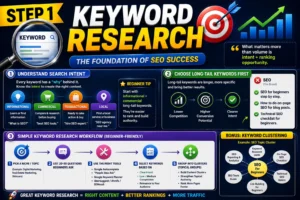
Keyword research is the foundation of SEO. If anyone can do good keyword research, it is like 50% SEO already done. Most of the beginners just try to find the high-volume keywords with the maximum competition. Everyone has to focus on the high-volume and low competition keywords for getting faster results. Also, the keyword intent is the most important factor in Keyword Research. Without intent clarity, no one can rank your webpage on Google’s Search engine results page.
What matters more than volume is intent + ranking opportunity.
Understand Search Intent
Every keyword has a “why” behind it. The most common intents:
- Informational: “What is SEO?”
- Commercial: “best SEO tools.”
- Transactional: “hire SEO expert.”
- Local: “SEO agency near me.”
Beginner tip: Start with informational + commercial long-tail keywords. They’re easier to rank and build authority.
Choose Long-Tail Keywords First
Long-tail keywords are longer and more specific. They usually have:
- Lower competition
- Higher conversion potential
- Clearer intent
Examples:
- ❌ “SEO”
- ✅ “SEO for beginners step by step.”
- ✅ “How to do on-page SEO for blog posts.”
- ✅ “technical SEO checklist for beginners.”
A Simple Keyword Research Workflow
- Pick a niche/topic (example: digital marketing, real estate marketing, skincare)
- List 20–30 questions beginners ask
- Use tools like:
- Google autocomplete
- “People Also Ask”
- Google Keyword Planner
- Ubersuggest / Ahrefs / SEMrush
- Select keywords based on:
- Clear intent
- Low/medium competition
- Relevance to your audience
- Group them into clusters (more on this below)
From my experience: keyword clustering is one of the fastest ways to build authority and speed up rankings.
Step 2: On-Page SEO (Your Ranking Essentials)
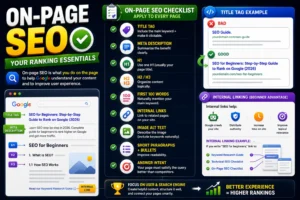
On-page SEO is what you do on the page to help Google understand your content and to improve user experience.
Here’s a practical checklist you can apply to every page.
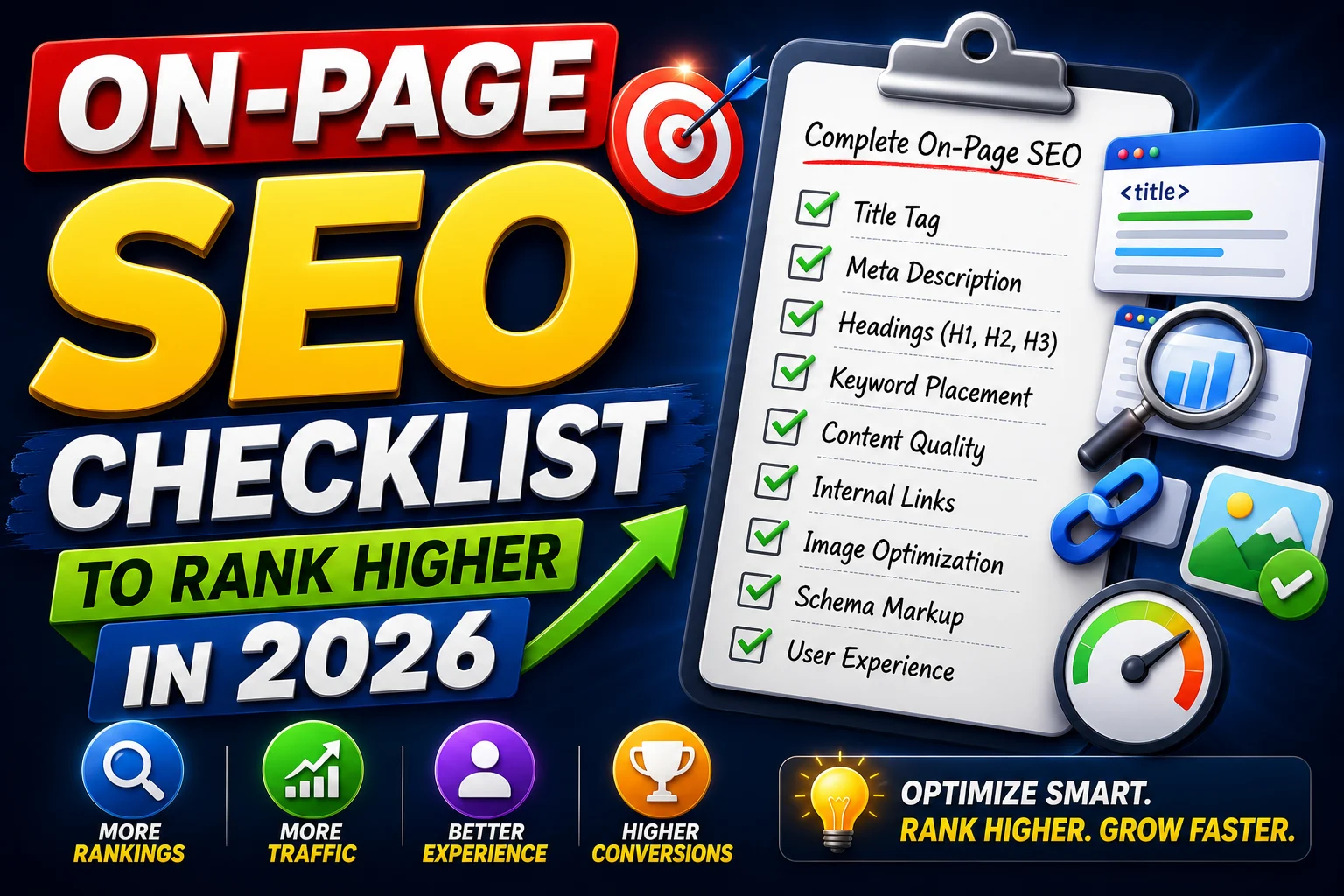
On-Page SEO Checklist (Beginner)
✅ Title tag: include the main keyword + make it clickable
✅ Meta description: summarize the benefit clearly
✅ H1: use one H1 (usually your page title)
✅ H2/H3: organize content logically
✅ First 100 words: naturally mention your main keyword
✅ Internal links: link to related pages on your site
✅ Image alt text: describe the image (include keywords naturally)
✅ Short paragraphs + bullets: improve readability
✅ Answer intent: your page must satisfy the query better than competitors
Title Tag Example (Good vs Bad)
- ❌ “SEO Guide.”
- ✅ “SEO for Beginners: Step-by-Step Guide to Rank on Google (2026).”
Internal Linking (Beginner Advantage)
Internal links help:
- Google crawls your site
- Distribute authority
- Increase time on site
- Improve topical relevance
Internal linking example:
If you write “SEO for beginners,” link to:
- a keyword research guide
- a technical SEO checklist
- An on-page SEO checklist
Step 3: Technical SEO (Make Your Site Rankable)
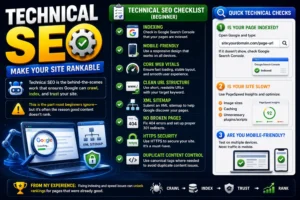
Technical SEO is the behind-the-scenes work that ensures Google can crawl, index, and trust your site.
This is the part most beginners ignore—but it’s often the reason good content doesn’t rank.
Technical SEO Checklist for Beginners
Here is the list of all the Technical SEO Checklist points that everyone must check out on their website to improve their ranking on google search engine result page.
✅ Indexing: check in Google Search Console
✅ Mobile-friendly: responsive design
✅ Core Web Vitals: fast loading, stable layout
✅ Clean URL structure: short and readable
✅ XML sitemap: helps Google discover pages
✅ No broken pages: fix 404s and redirect issues
✅ HTTPS security: must-have
✅ Duplicate content control: canonical tags where needed
Quick Technical Checks You Should Do
1) Is your page indexed?
Open Google and type:site:yourdomain.com/page-url
If it doesn’t show, check Search Console.
2) Is your site slow?
Use PageSpeed Insights and optimize:
- image sizes
- caching
- unnecessary plugins/scripts
3) Are you mobile-friendly?
Test on multiple devices. Most traffic is mobile.
From my experience: fixing indexing and speed issues can unlock rankings for pages that were already good.
Step 4: Build Topical Authority (Pillar + Cluster Model)
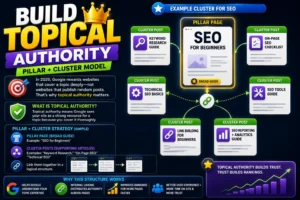
In 2026, Google rewards websites that cover a topic deeply—not websites that publish random posts.
That’s why topical authority matters.
What is Topical Authority?
Topical authority means Google sees your site as a strong resource for a topic because you cover it thoroughly.
Pillar + Cluster Strategy (Simple)
- Pillar page: broad guide (example: “SEO for Beginners”)
- Cluster posts: supporting articles (example: “Keyword Research,” “On-Page SEO,” “Technical SEO”)
- Link them together in a logical structure.
Example cluster for SEO:
- SEO for beginners (pillar)
- Keyword research guide
- On-page SEO checklist
- Technical SEO basics
- Link building for beginners
- SEO tools guide
- SEO reporting + analytics guide
This structure helps Google understand your site’s expertise—and helps every article rank better through internal linking.
Step 5: Off-Page SEO (Backlinks & Trust)
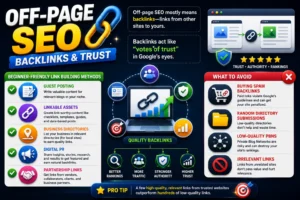
Off-page SEO mostly means backlinks—links from other sites to yours.
Backlinks act like “votes of trust” in Google’s eyes.
Off-Page SEO for Beginners
✅ Guest posting on relevant blogs
✅ Linkable assets: checklists, templates, data-based posts
✅ Business directories (for local sites)
✅ Digital PR: share insights, stories, results
✅ Partnership links: vendors, collaborators, clients
What to Avoid
❌ Buying spam backlinks
❌ Random directory submissions
❌ Low-quality PBNs
❌ Irrelevant links
From my experience: a few high-quality relevant links outperform hundreds of low-quality links.
Step 6: Track, Improve, and Optimize (SEO is Ongoing)
SEO is not “publish and wait.” It’s:
Publish → Track → Improve → Grow
Tools You Must Use
- Google Search Console: rankings, impressions, CTR, indexing
- Google Analytics 4 (GA4): user behavior, conversions
- Optional: Ahrefs / SEMrush for tracking and competitor analysis
Metrics Beginners Should Track
- Impressions: Are you appearing in search?
- Clicks: Are people visiting?
- CTR: Are your titles/metadata working?
- Average position: Are you improving?
- Engagement: time on page, scroll, bounce
- Conversions: leads, purchases, calls
My Weekly SEO Workflow (Simple & Effective)
Every week:
- Open Search Console
- Find pages with high impressions but low clicks
- Improve the title + meta description (CTR boost)
- Update content sections that feel weak or outdated
- Add 2–5 internal links from related articles
- Check technical issues and fix errors
- Track changes and repeat
This weekly loop is one of the fastest ways to grow SEO results over time.
SEO Checklist for Beginners
Here’s a quick checklist you can use:
Keyword Research
- ✅ Choose long-tail, intent-based keywords
- ✅ Group keywords into clusters
On-Page SEO
- ✅ Keyword in title, H1, first 100 words
- ✅ Use H2/H3 structure
- ✅ Add internal links
- ✅ Improve readability
Technical SEO
- ✅ Fix indexing issues
- ✅ Improve speed + mobile
- ✅ Use clean URLs + sitemap
Off-Page SEO
- ✅ Get relevant backlinks
- ✅ Avoid spam tactics
Optimization
- ✅ Track in Search Console + GA4
- ✅ Improve CTR and update content regularly
Common SEO Mistakes Beginners Should Avoid
From what I’ve seen across projects, these mistakes slow down growth:
- Targeting keywords that are too competitive
- Publishing without internal linking
- Ignoring technical issues (speed, indexing)
- Writing content without matching intent
- Not updating old content
- Obsessing over tools instead of execution
- Expecting instant results (SEO compounds)
A Simple 30-Day SEO Plan for Beginners
If you want an action plan, follow this:
Week 1
- Set up Search Console + GA4
- Choose a niche and 20 keyword ideas
- Publish 1 high-quality article
Week 2
- Publish 2 articles
- Add internal links between them
- Optimize titles/meta descriptions
Week 3
- Publish 2 articles
- Improve site speed and mobile experience
- Fix indexing issues
Week 4
- Update the first article based on Search Console data
- Create 1 linkable asset (checklist/template)
- Start outreach for 1–2 backlinks
SEO in 2026 is still one of the best ways to build long-term traffic and authority—if you do it systematically.
The key is to stop chasing hacks and start following a consistent process:
- intent-based keyword research
- strong on-page structure
- technical SEO foundation
- topical authority through clusters
- regular tracking and optimization
If you apply this step-by-step approach, you’ll build a solid SEO foundation and start seeing compounding results over time.
FAQs
What is SEO?
SEO means learning how to optimize your website to rank on Google using keyword research, on-page SEO, technical SEO, backlinks, and performance tracking.
How long does SEO take to work?
Most websites see early signs (impressions and small clicks) in 4–8 weeks. Strong rankings usually take 3–6 months, depending on competition and consistency.
Do I need coding to learn SEO?
No. Basic SEO doesn’t require coding. But understanding technical concepts (speed, indexing, structure) helps.
What is the easiest way to start SEO?
Start by choosing one topic, doing keyword research for long-tail queries, and publishing helpful content with good on-page SEO and internal linking.
Which tools are best for beginners?
Google Search Console and Google Analytics 4 are essential. Ubersuggest is helpful for basic keyword research. Ahrefs/SEMrush are great when you want deeper competitor analysis.
Author – Navdeep Kr –
I am a digital marketer who creates content about SEO, Meta Ads, Google Ads, Website Development, and e-commerce growth strategies. I create genuine, experience-based solutions for store owners, marketers, and entrepreneurs to improve business results. If you believe that your online business is not progressing as expected. Don’t hesitate to get in touch with me to access all your online solutions in one place.

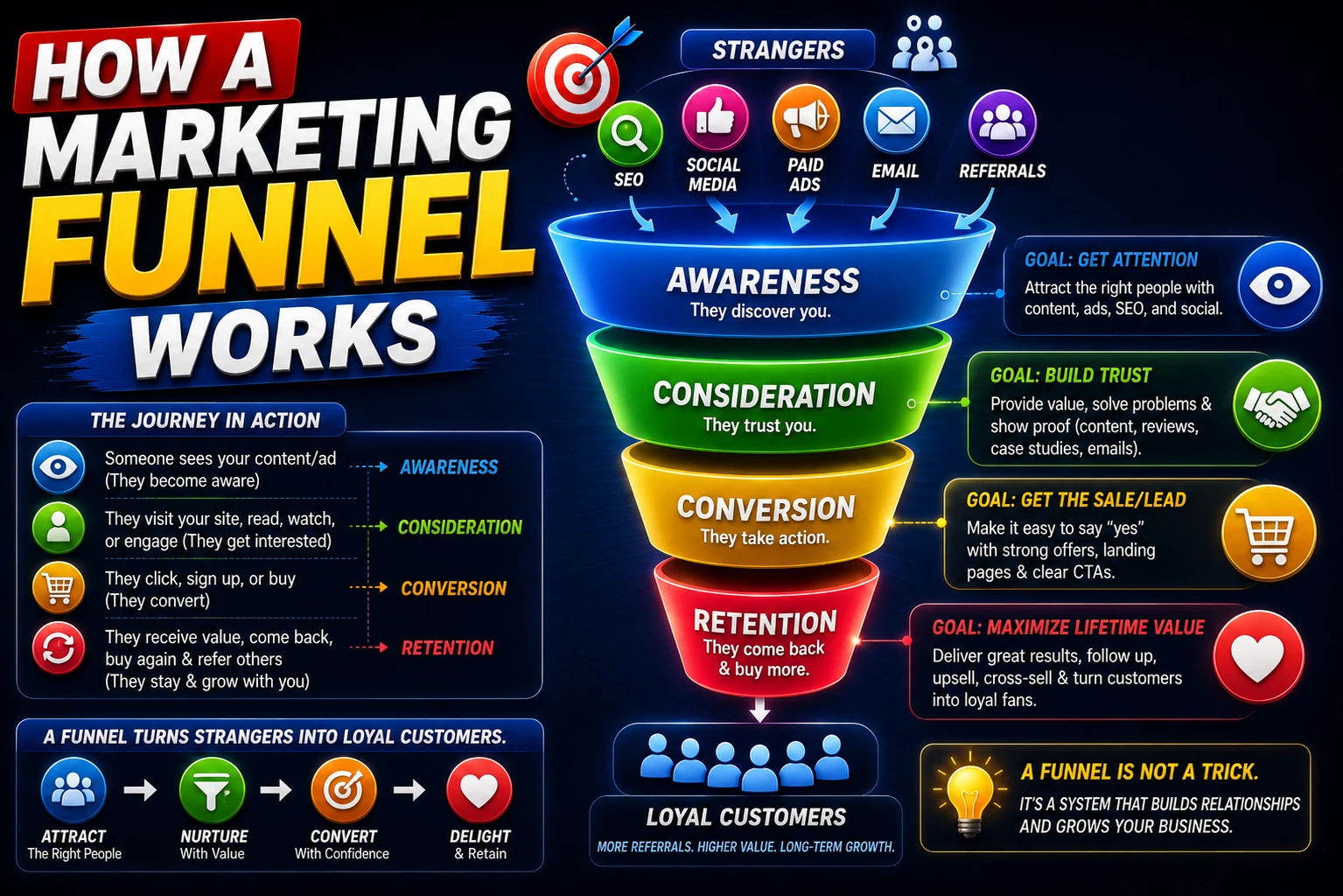
Pingback: On-Page SEO Checklist to Rank Higher in 2026 - Navdeep kr
Pingback: Technical SEO A Complete Step-by-Step Guide 2026 - Navdeep kr