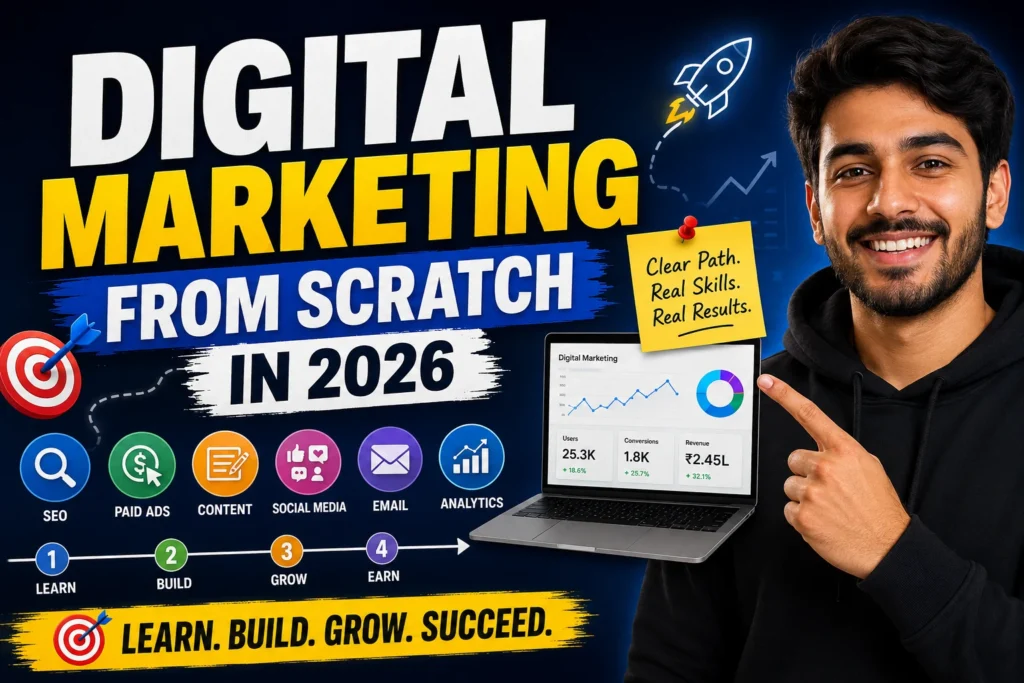
Learn Digital Marketing from Scratch in 2026
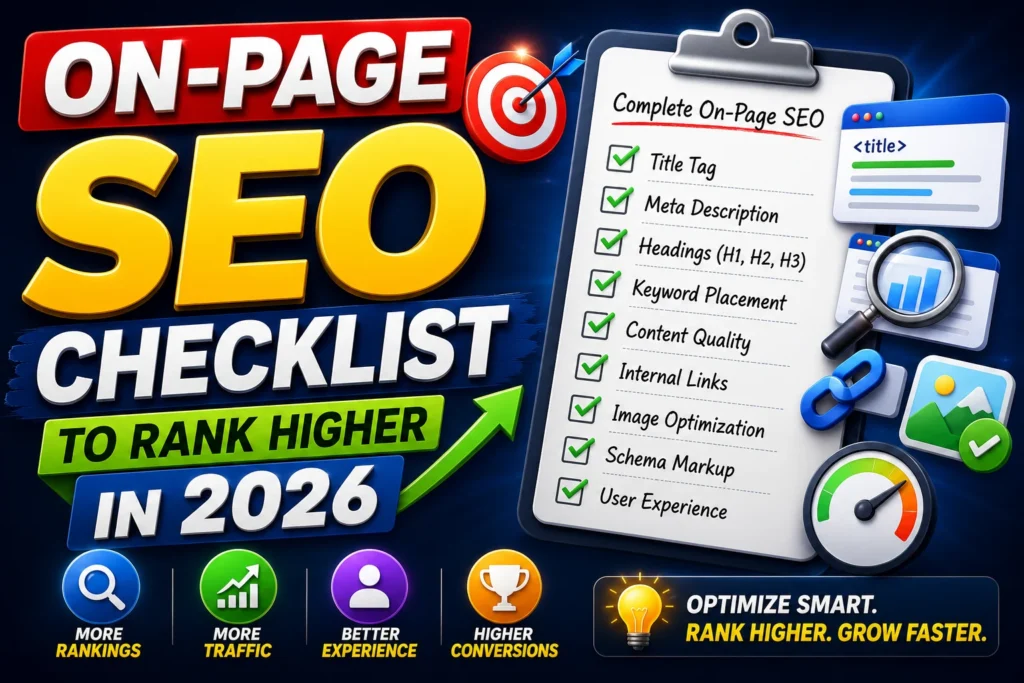
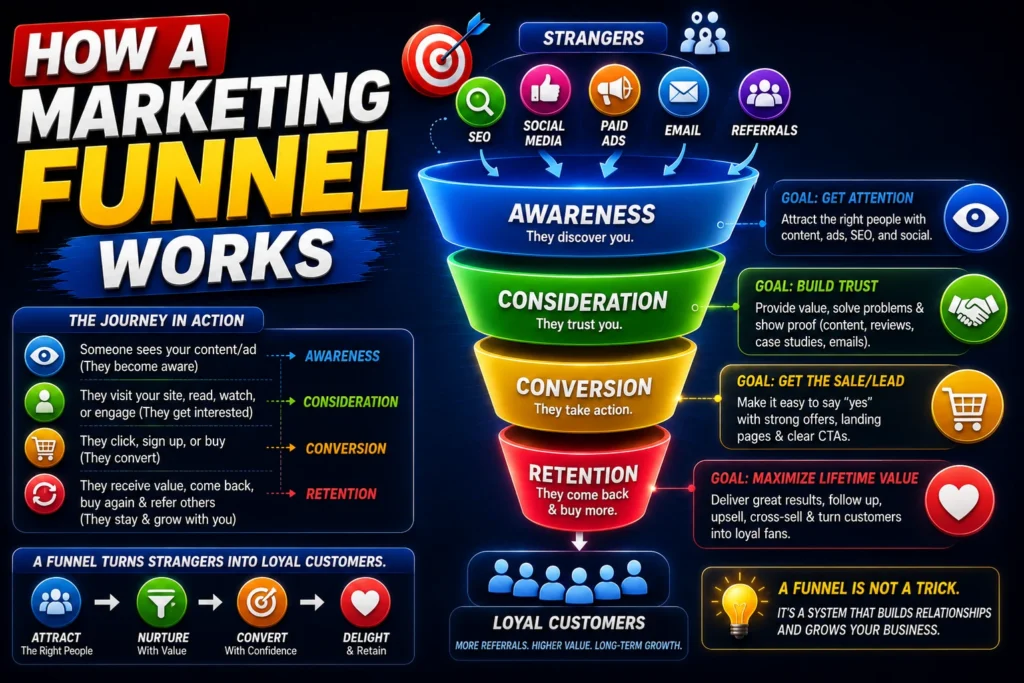
If you want to learn digital marketing from scratch in 2026, you probably want one thing: a clear path you can follow without getting overwhelmed. I’ve been in digital marketing for 5+ years, worked on 45+ websites and 25+ SEO projects, and managed real campaigns across real estate, healthcare, and e-commerce. I didn’t learn by only watching tutorials—I learned by building websites, running Google and Meta ads, fixing technical SEO issues, and improving conversion rates using real user data. This is the guide I wish I had when I started: digital marketing for beginners, broken into a practical, step-by-step system you can execute. What is Digital Marketing? Digital marketing is the process of attracting, converting, and retaining customers online using channels like: SEO (free traffic from Google) Paid Advertising (Google Ads, Meta Ads) Content Marketing (blogs, landing pages, product content) Social Media Marketing Email & Retention Analytics & Optimization (GA4, Search Console, tracking) Simple definition:Digital marketing = Traffic + Trust + Conversion, measured by data. Why Digital Marketing is Important in 2026 In 2026, digital marketing is more important than ever because: People search online before buying anything (even local services). AI is changing how content is discovered, but human trust + real experience still wins. Businesses are competing on speed, creativity, and performance tracking. The brands that win are the ones that can measure ROI and optimize continuously. From my work across industries, the biggest shift I’ve seen is this:Businesses don’t want “marketing.” They want leads, sales, and measurable growth. Step-by-Step Digital Marketing Roadmap This is the exact digital marketing roadmap I recommend if you’re starting from zero. Step 1: Choose Your Skill Digital marketing is huge. Beginners fail when they try to learn everything together. Pick one “core skill” first: SEO (best long-term skill, high career value) Google Ads (fast results, performance-based) Meta Ads (creative + targeting, great for lead gen) Content Marketing (SEO + authority) CRO (conversion rate optimization, high impact) My recommendation for beginners:Start with SEO for beginners, then add Google Ads for beginners once you understand customer intent and landing pages. Step 2: Learn Marketing Fundamentals Before tools, you need fundamentals. This is what makes you a marketer—not just someone who clicks buttons. Learn: Target audience: Who you’re marketing to Problem awareness: What pain are you solving Offer clarity: What you’re selling and why it matters Customer journey: Awareness → Consideration → Decision Positioning: Why someone should choose you A quick example: “What is SEO?” = awareness stage “Best SEO tools” = consideration stage “Hire SEO expert” = decision stage This is how you match content and ads to intent. Step 3: Build Your First Project You don’t become good at digital marketing by reading. You become good by building. Pick one project: A simple WordPress blog (best for SEO learning) A basic Shopify demo store (best for e-commerce) A single landing page (best for ads + CRO) Your first project should teach you these real skills: Website structure and UX SEO basics (indexing, content, internal linking) Speed + mobile optimization Conversion-focused writing (CTA, layout) Portfolio Tip:Document everything (before/after screenshots, analytics notes, results). That becomes your first case study. SEO for Beginners (A Step-by-Step Guide) SEO (Search Engine Optimization) is one of the most powerful skills in digital marketing because it helps you generate consistent, free traffic from Google. From my experience working on 25+ SEO projects, I’ve seen that most beginners struggle not because SEO is hard—but because they don’t follow a structured process. Here’s a clear, step-by-step SEO system you can follow as a beginner: 1. Start with Keyword Research (Focus on Intent, Not Just Volume) Keyword research is the foundation of SEO. But instead of chasing high-volume keywords, focus on what users are actually searching for and why. What I do in real projects: Identify long-tail keywords (easier to rank) Group keywords based on search intent Build clusters instead of isolated topics Example: “SEO” ❌ (too competitive) “SEO for beginners step by step” ✅ “how to do keyword research for blog” ✅ 👉 This approach helps you rank faster and attract the right audience. 2. Optimize Your Content (On-Page SEO Basics) Once you have your keyword, the next step is optimizing your page so Google understands it. Basic On-Page SEO Checklist: Include your keyword in: Title (H1) First 100 words Subheadings (H2/H3) Write clear, structured content (easy to scan) Add internal links to related pages Use bullet points and short paragraphs Optimize images (alt text + compression) 👉 In many of my projects, simply improving on-page SEO has led to noticeable ranking improvements without building backlinks. 3. Fix Technical SEO (Make Your Website Google-Friendly) Even great content won’t rank if your website has technical issues. Key things to check: Your pages are indexed in Google (via Search Console) Your site loads fast (Core Web Vitals) Your website is mobile-friendly Clean URL structure (example: /seo-for-beginners) Proper sitemap and robots.txt setup 👉 From experience, fixing technical SEO issues often unlocks rankings for content that was already good. 4. Build a Content System (Not Just One Blog) One blog post won’t rank your website—you need a content system. How I structure SEO content: Create a pillar page (like this digital marketing guide) Add supporting articles (clusters) Link everything together Example: Pillar: Digital Marketing Guide Clusters: SEO for beginners Keyword research guide On-page SEO checklist 👉 This builds topical authority, which is a major ranking factor today. 5. Build Authority (Off-Page SEO Basics) Google also looks at how trustworthy your website is. This comes from backlinks (links from other websites). Beginner-friendly strategies: Guest posting on niche blogs Creating valuable content people want to link to Basic directory/profile submissions 👉 Focus on quality over quantity—a few strong links are better than many weak ones. 6. Track and Improve (SEO is Continuous) SEO is not “publish and forget.” It’s publish → track → improve. Tools I use: Google Search Console Google Analytics 4 Shemrush What to monitor: Clicks & impressions Keyword rankings CTR (click-through rate) Page performance
Learn Digital Marketing from Scratch in 2026 Read More »